Motorola MILESTONE 2 Review
Here is the FoneArena Motorola Milestone 2 Review, the latest version of the handset that saved Motorola in the past. It is unbelievable that barely two years ago, Motorola was on death knell. Then the company announced and release the Droid/Milestone, a high-end Android smartphone that was well received by smartphone enthusiasts. It was a remarkable comeback for Motorola and the rest, as they say, was history.
The Milestone 2 is Motorola’s successor to the successful Milestone. With the Milestone 2, Motorola aimed to fix what was wrong with the original Milestone and also keep the specs current and relevant. Announced in late 2010, it is their current flagship QWERTY device and features a slide out full four-row QWERTY keyboard. In a world of nearly identical keyboard-less slate Android devices, the Milestone 2 is one of the few modern high-end smartphones remaining aimed at people who are stubbornly clinging on to physical keyboard.
The specs read like a typical late 2010 high-end product. Powering the Android 2.2 (Froyo) device is a TI OMAP3630 chipset with a single core 1 GHz Cortex A8 processor and PowerVR SGX530 GPU. The device has 512MB RAM for running applications and 8GB internal flash storage for installing applications. A 1400mAh Li-Pol battery ensures the device runs from at least a couple of hours a day to two days depending on how heavily used.
Other features includes quad band GSM, dual band 3G HSDPA, accelerometer, proximity sensor, WiFi 802.11b/g/n, DLNA, Bluetooth 2.1 + EDR with A2DP, GPS receiver and 5MP camera with auto-focus and dual LED flash (including support for Geo-tagging) and electronic compass. The microSDHC card slot supports cards up to 32GB (the maximum currently supported by the standard).
Motorola has kept the packaging of the Milestone 2 to a minimum. The box is small which reduces wastage. Included with the Milestone 2 is a USB cable, a USB wall charger and a pair of earphones. It also comes with a 8GB microSDHC card for expansion.
The Milestone 2 is not only attractive, it is well designed. On the right side you will find the volume keys. The power button and 3.5mm headphone jack can be found on the top. The microUSB port and LED to indicate charging resides on the left side. The front is dominated by the display and four touch sensitive keys: menu, home, back and search. I am not a fan of touch sensitive keys as they are easy to accidentally activate. Above the display are the earpiece, ambient light sensor, proximity sensor and LED notification.
The rear of the phone features a 5 megapixel camera with dual LED flash. Like all phones, the lens itself is protected by a glass. The glass itself isn’t protected by a cover however. Opening the battery cover reveals the battery. Unfortunately the microSDHC slot isn’t hot-swappable as the battery is in the way.
The Milestone 2 looks and feels smaller than it is. It is slightly thicker than the keyboard-less Nokia N8, just a bit slimmer than HTC’s Desire Z and about the same as the QWERTY toting Nokia E7. Below is a comparison of the thickness of the Milestone 2 with other devices. From bottom to top: HTC Touch Pro 2, Motorola Milestone 2, Nokia N8, Samsung Galaxy Ace, Nokia 5630 and iPod Touch 4G (in case).
The built quality of the Milestone 2 is brilliant. It is almost entirely clad in metal. Even the battery door is metal with rubber texture on the outside to help with grip. At 169g, the Milestone 2 is reassuringly hefty. The bottom half of the slider (the one that houses the keyboard) is heavier which helps with balance and usage.
The keyboard is plastic in nature and offers decent feedback. The much maligned D-pad on the original Milestone is gone, replaced by four arrow keys on the bottom right. The keys are thus bigger and more evenly spread over the surface. I was also disappointed to find that the keyboard was only limited to four rows of keys.
While I initially hated the keyboard, after two weeks of us I’ve grown used to it and actually prefer it to the on screen QWERTY keyboard. Key travels are small and top row is built too close to the display making it difficult for people with stubby thumbs. It isn’t the best keyboard on a smartphone I’ve ever used, but it isn’t the worst either. The keyboard has a backlight, which makes typing in the dark a breeze.
The 3.7” capacitive TFT display with 480×854 pixel resolution is sharp and has sufficient brightness. The colours are well presented and aren’t as over saturated as those on an AMOLED display. This may be good or bad depending on your books. Personally while I do not mind the saturation of an AMOLED display, as I prefer the flexibility offered by TFT displays where you can use white background without overwhelming the battery. An IPS display like the one featured on the iPhone 4 would have been a better compromise. A Gorilla Glass coating provides resistance against light scratching.

The Milestone 2 runs on Android 2.2 (Froyo) customised with Motorola’s MOTOBLUR UI. Motorola has promised that Android 2.3 (Gingerbread) will be made available as a firmware update sometime this year but have not given any clear date as to when they will unleash it. Having been using the Milestone 2 for two weeks, it is clear that the Milestone 2 is in dire need of an update. Compared to a Gingerbread running Nexus S, the Milestone 2 is slow and almost always struggle to cope with multi-tasking. A snappy device this isn’t.
Almost all Android manufacturers are installing some form of custom UI in order to differentiate and MOTOBLUR is Motorola’s attempt to take on HTC Sense UI and Samsung’s TouchWiz. The love it or hate it UI doesn’t completely skin the whole of Android, but its presence is clearly felt in the homescreen. Unlike Samsung’s TouchWiz, Motorola did not attempt to skin the application launcher.
Motorola has made it very easy to migrate from another Motorola device with MOTOBLUR. I simply logged in to the account I previously set up when reviewing the Motorola DEFY and voilà, all the widgets were set up to the appropriate social networking accounts.
Speaking of widgets, the MOTOBLUR features plenty of them, both the default Android widgets and their own. The resizeable widgets are boxy and offer no control over their transparencies. I am not saying they are ugly, but it does take some getting used to especially when compared to third party widgets. Having said that I love how we can customised each of the social networking widgets to only display updates from a certain group of friends or tweeps I am following. It makes it much easier to keep updated on people who matters most.
Other widgets included are Weather, a self explanatory Sticky Note, Picture Frame, News and Calendar. You can easily download free and paid widgets via the Android Market. There are seven screens to populate the widgets across, which should be plenty.
As expected for a device that comes with a QWERTY keyboard, the Milestone 2 is an excellent messaging device. Built over Google’s now almost mature Android platform, the Milestone 2 has a universal messaging application with support for standard text messaging (including MMS), Google Mail, Facebook and Twitter direct messages. It also supports other email services. Threaded messaging is included as default. Universal Inbox is where everything goes into and can get overwhelming. There is also a dedicated GMail application available from the Android Market.
The Webkit browser is a good performer. As the Milestone 2 is bundled with Adobe Flash 10.1, it handles Flash content well. I’ve had no issues loading YouTube and Flash-based games, apart from the odd stutters associated with the device. The browser works like any modern smartphone browsers do – it was pinch to zoom, as well as tap to zoom. Text reflow makes it easier to browse websites that are not mobile optimised.
Coming from Motorola it wasn’t surprising to find that the Milestone 2’s reception was excellent and I’ve not encountered any major issues with my two sim cards (Three UK and T-Mobile UK). The phone supports HSDPA so is theoretically capable of downloading at speeds up to 10.2Mbps, but as always this is dependent on many factors like network base station and congestions, as well as the kind of data plan the user has. Call quality is excellent as it comes with a dual microphone with active noise cancellation.
The built-in GPS receiver is good to get a cold lock, even with aGPS turned off. With aGPS turned on (wireless networks), locks are almost instantaneous. While Google Maps is preloaded, it is advisable to download the latest version from Android Market. Where available, Google Maps also provide Street View and voice navigation.
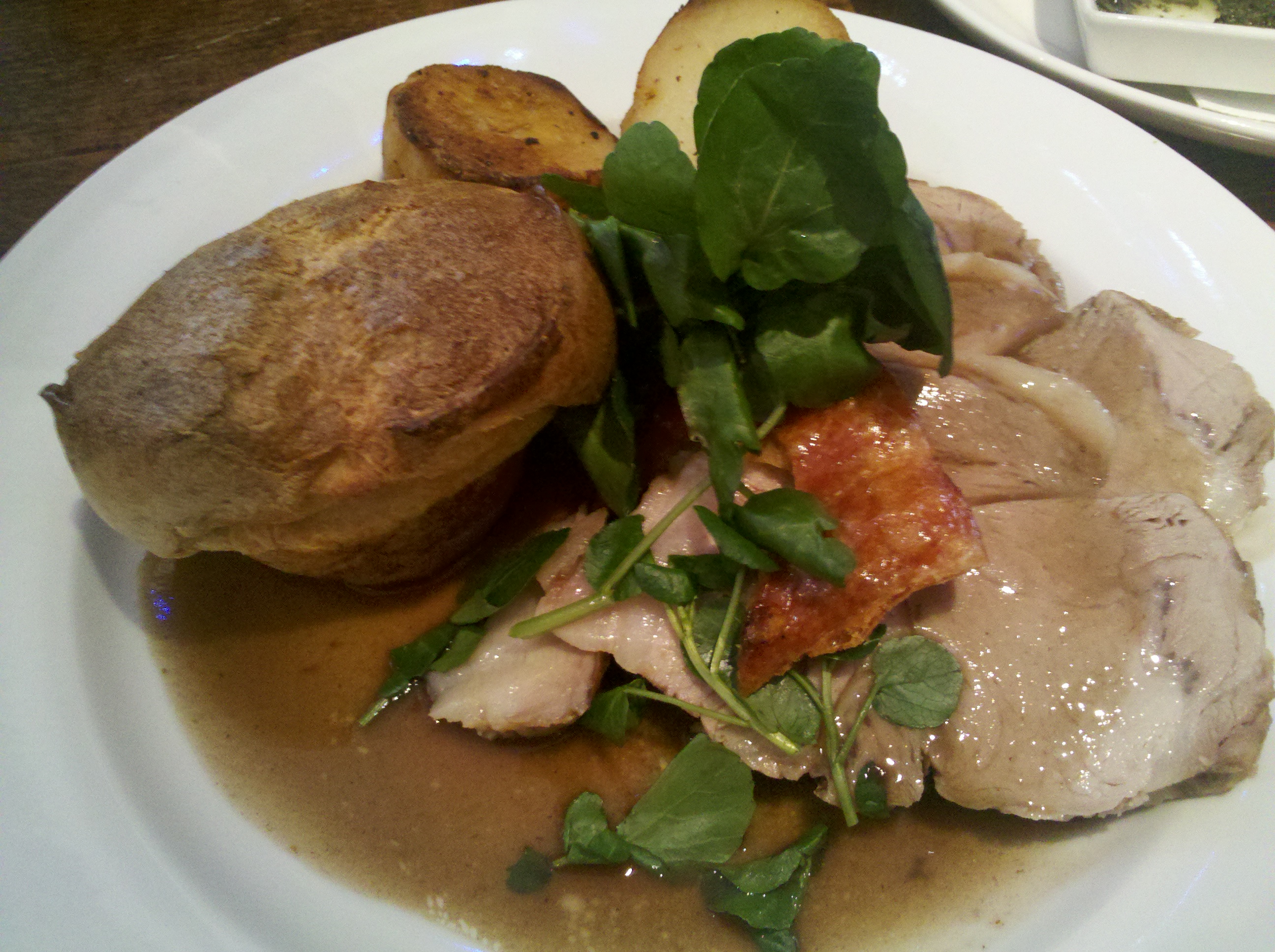
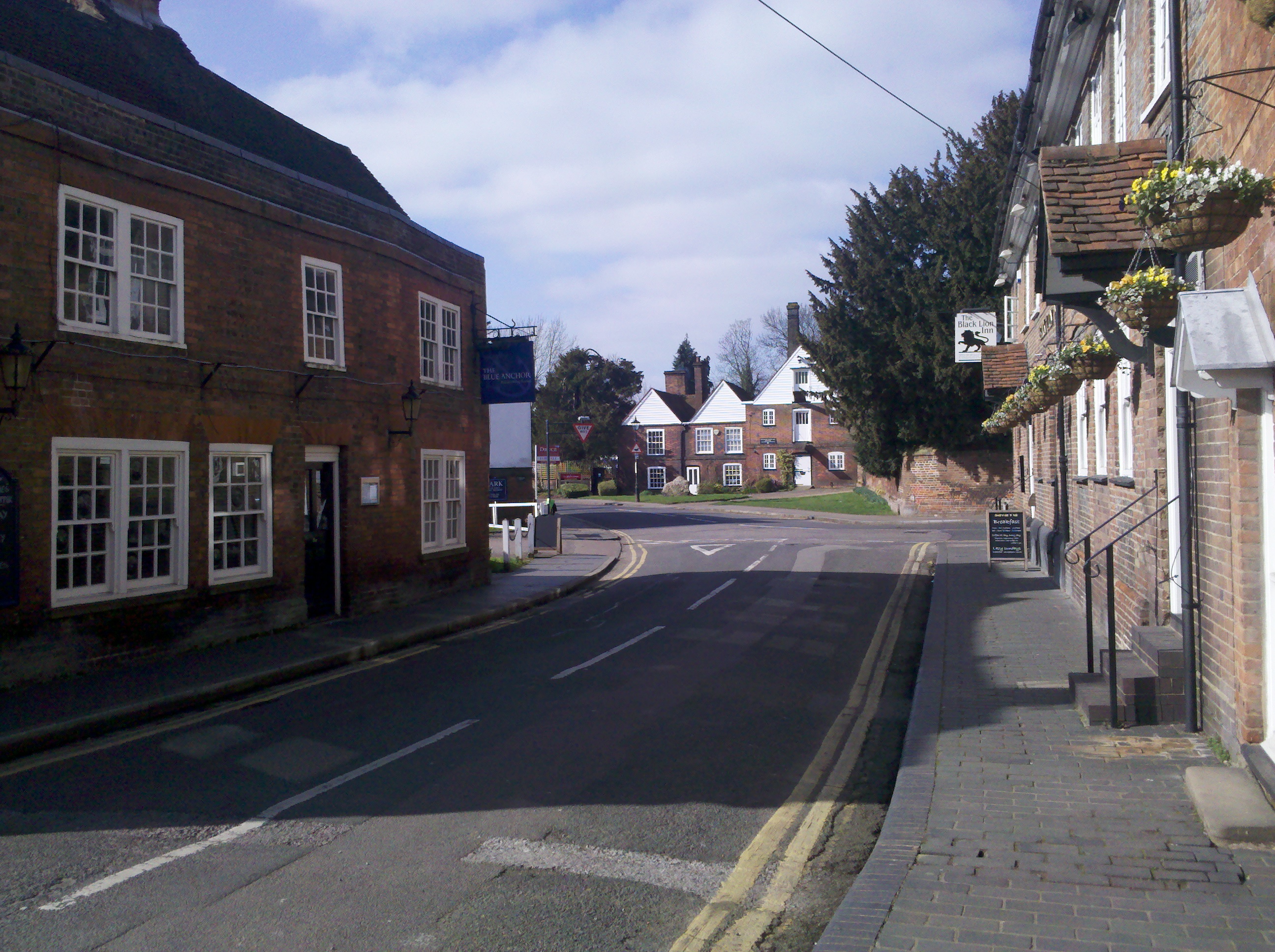
The 5MP camera is usable in daylight but forget about using it in areas with poor lighting. Get a compact camera instead. It also supports 720p video recording. There is no front camera so forget about face to face video calling. Below are samples from the Milestone 2′s camera. Click on them for the full unedited image.
While the Milestone 2 has a reasonably sized battery, unfortunately I found that I am only able to eke out half a day worth of productivity before needing the charger. This is with Twitter and Gmail running in the background, pulling in data every couple of minutes. To be fair, most modern smartphones have poor battery life, but Android devices seem to suffer most from poor power management.
If you are in the market for an Android QWERTY phone, it is worth keeping in mind that the Milestone 2 is one of a few high-end Android devices that qualifies. There aren’t many alternatives – in fact the only I can think of currently is the HTC Desire Z. The Desire Z, while having a lower clocked processor, has proven itself as a great performer. Outside of the Android ecosystem, there is the newly released Nokia E7 which runs on Symbian^3 and the Windows Phone 7-powered HTC 7 Pro.
All in all, I can recommend the Milestone 2, with some caveats. It isn’t the best Android phone in the market in terms of performance nor is it in terms of features. Motorola hasn’t been the best manufacturer when it comes to keeping the software updated. The original Milestone for example has only just recently received Android 2.2 update. On the other hand, MOTOBLUR widgets are a nice touch, even if they are a bit ugly and the keyboard, while limiting, was comfortable to use.
Positive
- Solidly built
- Great design
- Well spec’ed
- High resolution screen
Negatives